Every Developer Knows the Icon Headache
If you've ever shipped a mobile app, you know the drill. Before you can submit a build to the App Store or Google Play, you need to prepare a dizzying array of icon sizes—sometimes a dozen, sometimes several dozen—each one at a precise pixel dimension for a specific device, resolution, or platform context. Exporting them one by one is tedious, error-prone, and it's frighteningly easy to forget a size and get rejected at review.
On top of the busywork, there's a quieter concern many developers share: privacy. Uploading your unreleased app's icon artwork to some third-party server is uncomfortable when your visual identity is still under wraps. You want a tool that gets the job done without your files ever leaving your device.
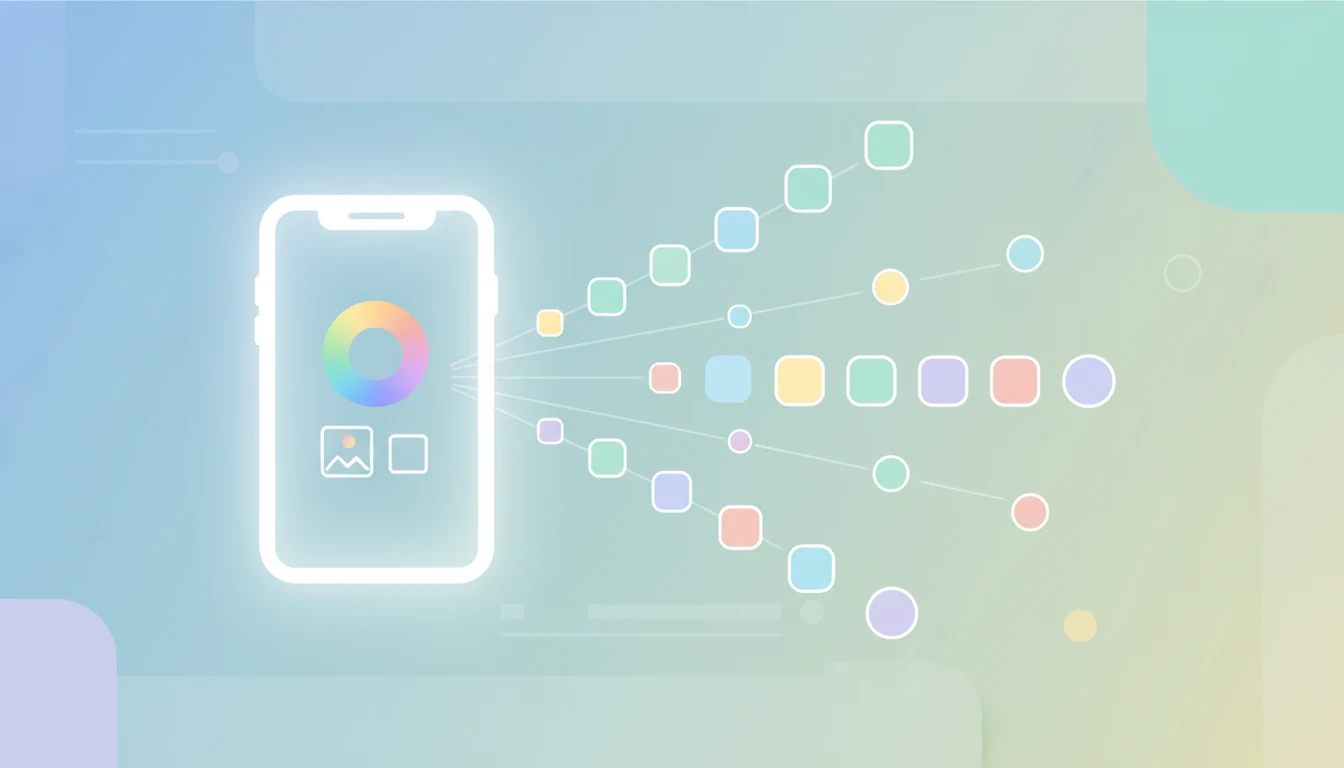
That's exactly the problem the App Icon Generator on SodaTool is built to solve. Upload one image, pick your platforms, and download a fully packaged icon set—all processed locally in your browser. Let's walk through what it does and why it might become a permanent bookmark in your release toolkit.
What Is the App Icon Generator?
The App Icon Generator is a free online app icon generation tool. Its job is simple and focused: you upload a single source image, and it instantly generates the complete set of correctly sized icons required for iOS, Android, macOS, watchOS, and Web.
Here's what it offers at a glance:
- One-click multi-platform generation — Upload once, generate every size for every platform you select.
- Custom rounded corners — Including an automatic rounding option that follows platform conventions.
- Custom background color — Fill transparent areas or set a solid background to match your design.
- Live preview — See every generated size before you commit.
- ZIP download — Package the entire icon set into a single ZIP file and download it all at once.
Best of all, there's no sign-up, no registration, and no usage limit. It's free to use as many times as you need.
Why Choose This Tool
There are plenty of online icon generators out there, and most share the same headline feature: upload an image, get multiple sizes. So what sets this one apart? A few things matter more than they might first appear.
Privacy First: Everything Runs Locally, Nothing Is Uploaded
This is the single most important differentiator. The scaling, rounded-corner processing, and ZIP packaging all happen inside your browser. Your source image never leaves your device and is never sent to a server.
Many comparable online tools don't clearly state how they handle your uploaded files—and that ambiguity is a real concern when you're working with unreleased branding. By committing to fully local processing, the App Icon Generator directly addresses the privacy worries of teams and individual developers who need to keep their design assets confidential.
Broader Platform Coverage
A lot of icon generators only cover iOS and Android, or focus narrowly on web app icons. This tool supports five platforms: iOS, Android, macOS, watchOS, and Web.
That extra reach matters if you're building for the Apple ecosystem. An indie developer shipping an iPhone app plus a companion Apple Watch app can generate icons for both—along with a macOS build—in a single pass, instead of hunting for separate tools for each target.
Smart Rounded Corners That Match Platform Rules
Rounded corners trip up a lot of developers. iOS, for example, applies its own rounded-corner mask automatically, which means you should generally submit square (non-rounded) icons and let the system handle the masking.
The App Icon Generator includes an automatic rounding option that follows each platform's conventions for you, so you don't have to dig through design guidelines to figure out what shape to submit. If you need something non-standard—say, an icon for a marketing asset or a custom UI—you can also set a custom corner radius from 0% to 100%. It's the best of both worlds: correct-by-default, flexible when you need it.
Dead-Simple Workflow, Zero Design Skills Required
There are no templates to browse, no editing canvas to learn, and no creative decisions forced on you. The workflow is intentionally minimal: upload → select platforms → preview → download ZIP. Four steps, done.
This is a deliberate contrast with general-purpose design platforms, which are excellent for creating icon artwork from scratch but are overkill when all you need is a properly specced, ready-to-ship icon pack. If your artwork is already finished and you just need the right sizes exported, this tool stays out of your way.
Completely Free, No Barriers
There's no account to create and no cap on how many times you can generate. Tweak your source image, adjust the corners, regenerate—iterate as much as you like without hitting a paywall or a usage limit.
How to Use It: A Full Icon Set in Three Minutes
The whole process is fast enough to fit between other tasks. Here's how it works, step by step.
1. Upload Your Image
Start by uploading your source artwork. For the best results across every platform, use a square PNG at 1024×1024 pixels (or larger). A large, high-resolution source ensures that even the smallest generated icons stay crisp.
2. Select Your Target Platforms
Check off the platforms you need: iOS, Android, macOS, watchOS, Web—choose one or several depending on your project. The generator will produce all the required sizes for whatever you select.
3. Set Your Style
Adjust the appearance to taste. Turn on automatic rounded corners to follow platform conventions, or set a custom radius. If your source has transparency, pick a background color to fill it.
4. Generate and Preview
Click generate, and the tool renders every size right there on the page. Use the live preview to confirm your icon looks right at each dimension—this is your chance to catch anything that needs adjusting.
5. Download the ZIP
Once you're happy, hit download to get a single ZIP file containing the entire packaged icon set, organized and ready to drop into your project.
Frequently Asked Questions
Is the App Icon Generator free?
Yes—completely free. There's no registration or login required, and there's no limit on how many times you can generate icons.
Are my uploaded images saved to a server?
No. The scaling, rounded-corner processing, and packaging all happen locally in your browser. Your image never leaves your device.
What's the best format and size for the source image?
A square image of 1024×1024 pixels or larger works best, and PNG is the ideal format. When the source is large enough, icons for every platform stay sharp and clean.
Do I need to round the corners of iOS icons myself?
No. iOS automatically applies a rounded-corner mask to app icons, so you should generally submit square icons. The tool's automatic rounding option handles platform conventions for you, and if you need something different, you can set a custom corner radius anywhere from 0% to 100%.
Who It's For
- iOS and Android developers — Produce a complete, spec-compliant icon set before submitting your app, without manually exporting each size.
- Indie developers — When you're wearing every hat, this saves you from learning each platform's icon specifications. Upload, select, download, ship.
- UI/UX designers — Quickly verify how an icon reads across different platforms and sizes, from a tiny notification badge to a full-resolution App Store listing.
- Cross-platform teams — With macOS and watchOS support alongside the mobile and web basics, it fits product lines that span multiple Apple and non-Apple targets.
Try It Now
Generating app icons shouldn't be the frustrating final chore before you ship. The App Icon Generator makes it free, private, multi-platform, and genuinely simple: upload one image, choose your platforms, preview the results, and download a complete ZIP—all without your files ever touching a server.
It's the last easy step before release. Give it a try: App Icon Generator.
And bookmark this page—next time you're prepping a launch, it'll be right where you need it.