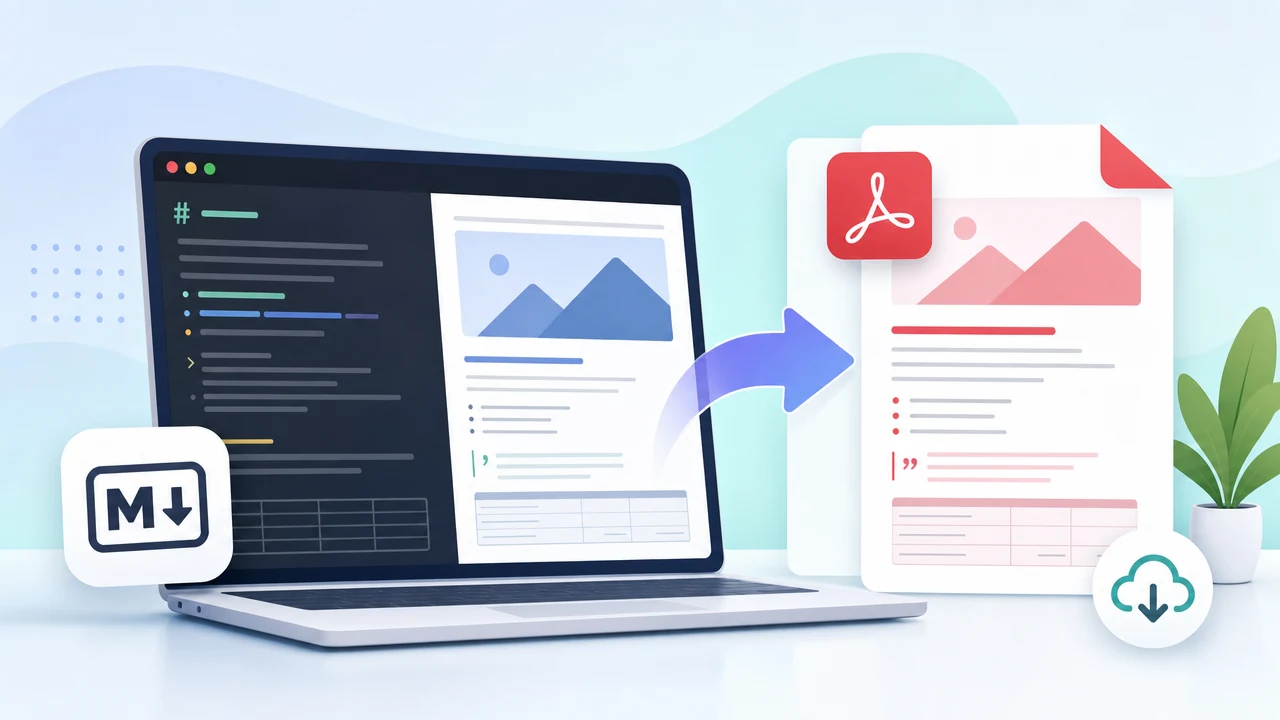
You write beautiful Markdown. Clean headers, tidy lists, perfectly formatted code blocks. Then you hit “Export to PDF” and… it looks like a webpage someone accidentally printed.
Sound familiar? You’re not alone. Across developer forums and academic communities, the same frustration echoes: why is it so hard to get a good-looking PDF from Markdown without jumping through hoops?
There’s finally an answer — and it doesn’t require installing anything.
Why Most Markdown-to-PDF Tools Fail You
The HTML Print Trap
Most free online converters use a sneaky shortcut. They render your Markdown as HTML in a browser, then essentially hit Ctrl+P — printing that webpage to a PDF file.
- No real page breaks — text gets awkwardly sliced mid-paragraph
- No headers or footers — no page numbers, no document title at the top
- No cover page — your 30-page report starts cold
- One generic look — no theme options, no design control
The Pandoc / LaTeX Overkill Trap
Pandoc + LaTeX can produce stunning PDFs, but requires installing gigabytes of dependencies, wrestling with template syntax, and debugging cryptic error messages. The output is gorgeous when it works — but the learning curve is steep.
Introducing SodaTool Free Markdown to PDF Converter
SodaTool sits right in that gap — a free, browser-based Markdown to PDF converter that actually typesets your document. No account required. No software to install.
Key Features
10 Professionally Designed Themes
Complete visual identities — think PowerPoint master templates for documents.
Cover Page Customization
Title, subtitle, author name, date — all customizable with theme-matched styling.
Headers, Footers & Page Numbers
Running headers, auto-generated page numbers, footer text for disclaimers.
True Typesetting Engine
Real page breaks, widow/orphan control, consistent spacing and margins.
One-Click PDF Download
No email gates, no “sign up to unlock.”
How to Convert in 4 Steps
- Open SodaTool — no login needed
- Paste or write your Markdown
- Choose a theme, configure cover/header/footer
- Click download — your typeset PDF is ready
Real Use Cases
- Developers: READMEs, RFCs, runbooks → client-ready PDFs
- Students: Thesis chapters, lab reports → submission-ready documents
- Freelancers: Proposals, white papers → polished deliverables
SodaTool vs. Typical Converters
| Feature | Typical Converter | SodaTool |
|---|---|---|
| Conversion method | HTML print | True typesetting |
| Themes | None or 1–2 | 10 professional themes |
| Cover page | ❌ | ✅ Customizable |
| Headers/footers | ❌ | ✅ With page numbers |
| Account required | Sometimes | ❌ Never |
| Cost | Limited free | Completely free |
FAQ
Is SodaTool really free? Yes, completely free. No watermarks, no page limits.
Do I need an account? No. Start converting immediately.
What Markdown features are supported? Full standard syntax including tables, code blocks, images, and more.
How does it compare to Pandoc + LaTeX? Pandoc is a professional darkroom — incredible results but steep learning. SodaTool is a high-end instant camera — professional quality, zero setup.
Start Converting — Free, Right Now
Open SodaTool, paste your Markdown, pick a theme, and see the difference for yourself. Your documents deserve better than a browser print job.