
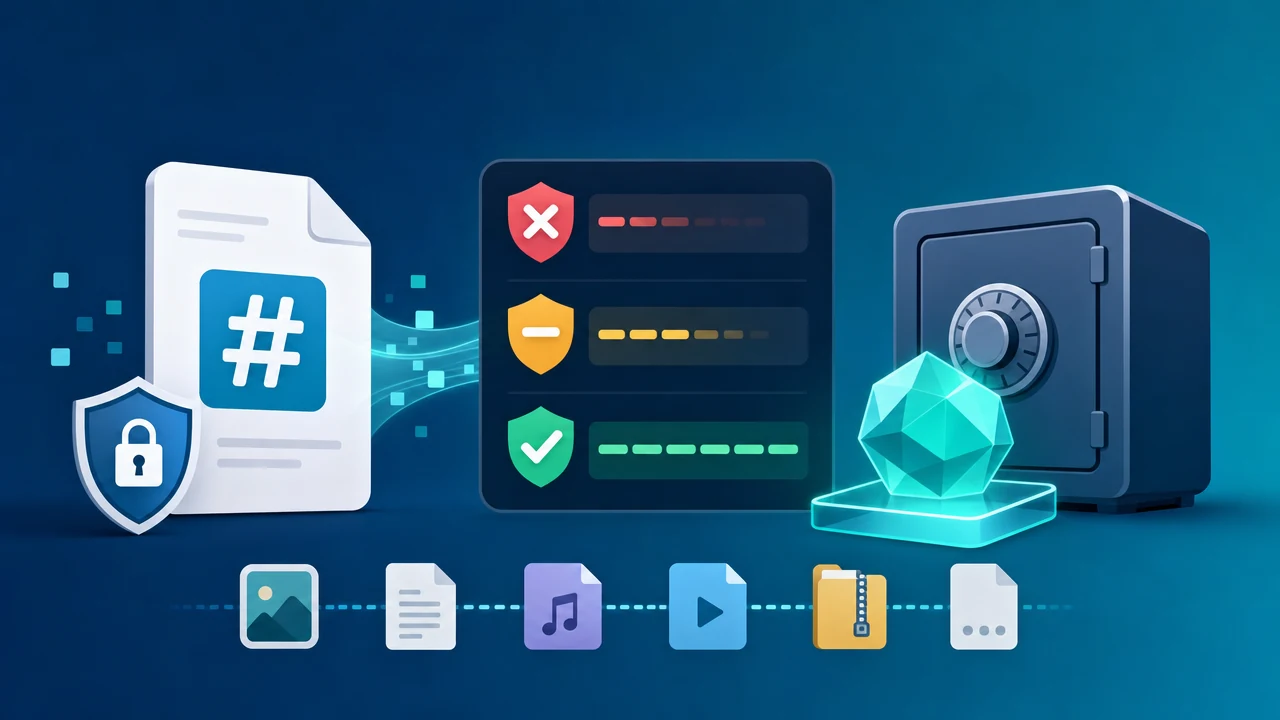
Plus: A browser-based hash calculator that never uploads your files
You just downloaded a system image, and the page shows a string of characters — e3b0c44298fc1c149afb.... You have a vague sense it’s for “verification,” but you’re not sure how to actually use it. And what’s the difference between MD5, SHA-1, and SHA-256 anyway?
This isn’t a textbook overview of every hashing algorithm ever made. The goal here is simple: help you pick the right hash algorithm for your situation in under 30 seconds — and start verifying immediately.
Part 1: What Is a File Hash? The Core Idea in 90 Seconds
The Basics: Think of It as a File’s “Digital Fingerprint”
Picture a legal contract. A hash algorithm works like an incredibly precise fingerprinting machine — feed it any file, and it spits out a fixed-length string of characters. That’s the file’s digital fingerprint (also called a digest or checksum).
This fingerprint has two defining properties:
- Hypersensitive to changes: Add a single space anywhere in that contract, and the fingerprint changes completely.
- One-way only: You can generate a fingerprint from a file, but you can never reconstruct the file from its fingerprint.
What Are Hashes Actually Used For? Three Core Use Cases
- 📦 Download verification: Confirm that a file wasn’t corrupted or tampered with during transfer — by far the most common use case.
- 🗄️ Deduplication and caching: Cloud storage services use hashes to detect identical files and avoid storing duplicates.
- 🔐 Password storage (heads up: this requires a specialized algorithm — general-purpose hash functions are the wrong tool for the job here, and we’ll explain exactly why below).
A Common Misconception: Hashing ≠ Encryption
These two concepts get conflated all the time, but they’re fundamentally different:
- Encryption is reversible: Lock something with a key, and you can unlock it with the same key.
- Hashing is a one-way street: It’s like burning a book to ash — you might be able to estimate the book’s weight from the ashes, but you can never reconstruct the text.
This distinction is the foundation for every decision we’ll make in the rest of this guide.
Part 2: MD5 vs. SHA-1 vs. SHA-256 — A Side-by-Side Comparison
Quick Reference Table
| Algorithm | Output Length | Speed (Reference) | Security Status | Best For |
|---|---|---|---|---|
| MD5 | 128-bit | ~339 MB/s | ⚠️ Broken | Fast checksums in non-security contexts |
| SHA-1 | 160-bit | ~368 MB/s | ❌ Deprecated | Legacy system compatibility only |
| SHA-224 | 224-bit | Moderate | ✅ Secure | Resource-constrained embedded devices |
| SHA-256 | 256-bit | ~161 MB/s | ✅ Recommended | File verification, digital signatures |
| SHA-384 | 384-bit | Slower | ✅ High security | Enterprise and high-assurance use cases |
| SHA-512 | 512-bit | Slower | ✅ Highest | Finance, compliance, certificate issuance |
💡 Speed note: Figures shown are representative benchmarks on typical hardware. Real-world performance will vary by device.
MD5 — Fast, But Fundamentally Broken for Security
MD5 collision attacks aren’t theoretical anymore — they’ve been exploited in the wild. An attacker can craft two completely different files that produce the exact same MD5 hash. That means a malicious file can sail right through an MD5 check disguised as a legitimate one.
That said, MD5 isn’t entirely useless. In non-security contexts — like rapidly deduplicating large log datasets — its speed advantage is still real.
Bottom line: Never use MD5 for security verification, password storage, or digital signatures. Full stop.
SHA-1 — Longer Than MD5, But Just as Compromised
In 2017, Google and CWI Amsterdam pulled off the landmark SHAttered attack, producing the first real-world SHA-1 collision. In the aftermath, every major browser and certificate authority dropped SHA-1 support.
Bottom line: Don’t use SHA-1 in any new project. It’s only acceptable when you’re stuck interfacing with a legacy system that can’t be upgraded.
SHA-256 — The Current Security Standard and the Safe Default
SHA-256 produces a 256-bit hash. Brute-forcing a collision would require roughly 2¹²⁸ operations — a number so large it won’t happen before the heat death of the universe.
Its real-world credentials speak for themselves:
- The core hashing algorithm powering the Bitcoin blockchain
- The standard signing algorithm for TLS/SSL certificates
- The go-to file verification algorithm for major OS vendors and software publishers
What’s the performance cost? About half the throughput of MD5. In practical terms: hashing a 1 GB file takes roughly 3 seconds with MD5 and about 6 seconds with SHA-256. For virtually every real-world use case, that 3-second difference is completely negligible.
Bottom line: SHA-256 is the right default answer for file hashing today. When in doubt, use this.
SHA-384 / SHA-512 — When Do You Actually Need “More Security”?
In financial compliance, government or defense contexts, or scenarios requiring long-term archival (10+ years), SHA-384 and SHA-512 provide a larger security margin.
One interesting detail: on 64-bit systems, SHA-512 is barely slower than SHA-256 in practice, because its internal operations are naturally optimized for 64-bit architectures.
Why You Should Never Use Any of These for Password Storage
This is one of the most common — and dangerous — misconceptions in software development, so it deserves its own section.
General-purpose hash algorithms are designed to be fast. But for password storage, speed is exactly what you don’t want. The faster the algorithm, the faster an attacker can brute-force it.
Purpose-built password hashing algorithms like Bcrypt, PBKDF2, and Argon2 are intentionally slow by design — they add computational cost to make brute-force attacks impractical.
Everything discussed in this guide applies to file integrity verification only. None of it applies to password storage.
Part 3: Which Algorithm Should You Use? A 30-Second Decision Tree
Stop Overthinking It — Follow This Flowchart
What are you trying to do?
├── Verify file integrity / check a download
│   ├── Security matters? → SHA-256 ✅
│   └── Just need fast deduplication (no security requirement)? → MD5
├── Store passwords or credentials → ⛔ Out of scope — use Bcrypt / Argon2
├── Digital signatures / certificates → SHA-256 or SHA-512
└── High-compliance requirements (finance / government) → SHA-384 / SHA-512
Algorithm Recommendations for Five Real-World Scenarios
- Deduplicating user-uploaded files on the server: MD5 is fine for non-security use (speed wins); use SHA-256 if integrity guarantees matter.
- Verifying build artifacts in a CI/CD pipeline: SHA-256 — the right balance of security and performance.
- Publishing checksums alongside an open-source release: SHA-256 or SHA-512 — this is the community standard.
- Verifying a file you downloaded from a third party: Use whatever algorithm they published. Match it exactly.
- Integrity check after transferring a large file (>1 GB): SHA-256 — a few extra seconds is a fair trade for confidence.
Part 4: How to Calculate a File Hash in Your Browser — No Software Required
Why “Local Calculation” Matters More Than You Think
Many online hash tools ask you to upload your file to their server. But consider this — if you’re verifying a business contract, a source code archive, or a medical record, uploading it is itself a privacy risk.
The secure approach: the file never leaves your machine. All computation happens locally in your browser.
The technology behind this is the Web Crypto API — a cryptographic interface built directly into all major browsers (Chrome 41+, Firefox 34+, Safari 7+), with no plugins required.
Step-by-Step: Using sodatool.com
- Open the tool and select the hash algorithm(s) you need. You can select multiple at once to calculate MD5 + SHA-256 simultaneously, for example.
- Drop your file into the designated area. Large files (>1 GB) are supported — nothing gets uploaded to any server.
- Watch the real-time progress bar — no staring at a frozen screen waiting for something to happen.
- Copy the result and compare it character-by-character against the checksum published by the source.
Why Large Files Don’t Freeze the Browser
Many tools choke or crash on large files because they try to load the entire file into memory at once.
The right approach is streaming (chunked processing): the file is split into small chunks, each chunk is processed in sequence, and the results are combined at the end. This keeps memory usage consistently low, even for multi-gigabyte files.
Part 5: Frequently Asked Questions
Q1: If two files have the same hash, does that mean they’re identical?
In theory, two different files could produce the same hash — this is called a collision. But with SHA-256, the probability is so astronomically low that it’s treated as zero for all practical purposes. MD5 is a different story: collisions can be deliberately engineered.
Q2: Is MD5 still usable at all?
Yes — but context is everything.
- ✅ Non-security deduplication, log checksums → Fine to use.
- ❌ Security verification, digital signatures, password storage → Absolutely not.
Q3: How much slower is SHA-256 than MD5 in practice?
Reference figures: MD5 runs at ~339 MB/s; SHA-256 at ~161 MB/s. For a 1 GB file, that’s roughly 3 seconds vs. 6 seconds. For everyday file verification, this difference is barely noticeable.
Q4: Will an online tool give the same result as my command line?
Yes, always. Hash algorithms are deterministic — the same file plus the same algorithm equals the same output, regardless of what tool, platform, or operating system you use. You can cross-check any result with your terminal.
Q5: Is my file actually being uploaded when I use an online tool?
With a tool built on the Web Crypto API, your file never leaves your browser. If you want to verify this yourself, open DevTools (F12 → Network tab) while running the calculation and confirm there are no outbound file upload requests.
Part 6: Three Ground Rules for Choosing a Hash Algorithm
Rule 1: Default to SHA-256 Unless You Have a Specific Reason Not To
It’s the best balance of security, performance, and compatibility available today. Not sure what to pick? SHA-256 is never the wrong answer.
Rule 2: MD5 and SHA-1 Are for Non-Security Contexts Only — and That Should Be Explicit
If someone on your team is using MD5 in a security-sensitive context, send them this article.
Rule 3: Never Use a General-Purpose Hash Algorithm for Password Storage
Repeat after me: Bcrypt and Argon2 are the right tools for password storage. General-purpose hash functions are too fast — and in this context, that speed is a vulnerability, not a feature.
Ready to Try It Yourself?
Reading about this only gets you so far. Head over to File Hash Calculator, drop in any file you have handy, and you’ll have its digital fingerprint in under 30 seconds — no uploads, no privacy risk, fully verifiable results.