You’ve got a contract in your inbox. The client needs it signed by end of day. And somewhere between “Where’s my printer?” and “Does this scanner even work?”, you start wondering — isn’t there a better way?
There is. You can sign a PDF online in under two minutes, without printing a single page, without creating yet another account, and without uploading your sensitive documents to someone else’s server.
This guide walks you through exactly how to do it — and clears up the legal questions you’re probably carrying around, too.
What Is a PDF Signature? (And Why It’s Not Just a Scribble)
Before you draw your name on a screen, it helps to understand what that mark actually means — legally and technically.
Electronic Signature vs. Digital Signature — Key Differences Explained
These two terms get thrown around interchangeably, but they’re not the same thing. Think of it this way:
- An electronic signature is like signing a guest book. It’s your mark — a drawn name, a typed name, even a checkbox — indicating “I agree.”
- A digital signature is more like a wax seal with your family crest, verified by a notary. It uses cryptographic certificates and public key infrastructure (PKI) to mathematically bind your identity to the document.
Here’s a quick comparison:
| Feature | Electronic Signature | Digital Signature |
|---|---|---|
| What it is | Visual mark of agreement | Cryptographic identity binding |
| Requires a certificate? | No | Yes |
| Common use cases | Contracts, NDAs, invoices | Government, regulated industries |
| Ease of use | Very easy — draw or type | Complex setup required |
For most everyday documents — freelance contracts, invoices, service agreements — a simple electronic signature is all you need.
What Information Does a PDF Signature Capture?
When you sign a PDF electronically, the signature typically includes:
- Your name or initials (drawn or typed)
- The date and time of signing
- The position on the document where the signature was placed
One important note: a graphical signature drawn on a PDF doesn’t cryptographically bind your identity the way a digital certificate does. For everyday business documents, that’s perfectly fine. For regulated industries, you may need something more robust — we’ll cover that below.
Is an Electronic Signature on a PDF Legally Binding?
This is the question that stops people mid-signature. Let’s put it to rest.
Electronic Signature Laws by Region
Electronic signatures carry the same legal weight as handwritten signatures in most major jurisdictions:
- United States: The ESIGN Act (2000) and UETA (adopted in 48 states) explicitly grant electronic signatures legal validity.
- European Union: The eIDAS Regulation defines three tiers — Simple (SES), Advanced (AES), and Qualified (QES). Most everyday contracts are fully covered by a simple electronic signature.
- United Kingdom: The Electronic Communications Act 2000, plus retained UK eIDAS law, recognizes electronic signatures.
- Canada: PIPEDA and provincial UECA equivalents provide legal backing.
- Australia: The Electronic Transactions Act 1999 covers electronic signing.
- China: The Electronic Signature Law (2005) grants legal recognition.
Globally, electronic signatures are recognized in over 30 jurisdictions under the UNCITRAL Model Law framework.
When Is a Simple Electronic Signature Enough?
A standard electronic signature works for:
- ✅ Business contracts and service agreements
- ✅ Freelance work orders and project proposals
- ✅ Real estate transactions (in most jurisdictions)
- ✅ HR documents, offer letters, and NDAs
- ✅ Invoices and procurement paperwork
When Do You Need a Certified Digital Signature?
Some situations require the heavier cryptographic approach:
- ❌ Wills and certain family law documents
- ❌ Notarized documents
- ❌ Regulated industries (healthcare under HIPAA, government procurement)
- ❌ EU legal proceedings requiring eIDAS Qualified Electronic Signatures
If your document falls into the second category, you’ll need a certificate-backed digital signature. For everything else — and that’s the vast majority of what professionals sign — a simple electronic signature is legally valid and widely accepted.
Why You Should Stop Printing PDFs Just to Sign Them
If you’re still in the print-sign-scan cycle, here’s what it’s actually costing you.
The Real Cost of Print-Sign-Scan Workflows
According to research by Forrester and Adobe (2022):
- $6 per transaction in direct costs — paper, ink, printing, scanning
- 1.5 hours per transaction in time lost to the full cycle
- Environmental waste from paper, toner cartridges, and energy consumption
- Quality degradation — scanned documents often come out blurry or misaligned
And the practical friction? If you’re working from home, a coffee shop, or a co-working space, you might not even have a printer.
What Professionals Are Doing Instead
The shift away from paper signing is well underway:
- 73% of best-in-class procurement teams already use electronic signatures (Aberdeen Group)
- 53% of top-performing AP/AR teams have eliminated paper signing entirely
- The trend spans every industry — legal, real estate, HR, freelance, and healthcare administration
The question isn’t whether to switch. It’s why you haven’t yet.
How to Sign a PDF Online — Step by Step
Here’s the practical part. Let’s walk through the process using a tool that checks every box: no account, no cloud upload, no complexity.
What to Look for in a PDF Signature Tool
Before choosing any tool, make sure it offers:
- No account required — you shouldn’t need to register just to sign one document
- No file upload to external servers — your document should stay on your device
- Browser-based — no software to download or install
- Free for basic signing — simple signatures shouldn’t cost money
- Precise placement control — drag-and-drop positioning on any page
- Mouse and touch support — works on desktop and mobile alike
How to Sign a PDF Using SodaTool PDF Signature
Here’s the step-by-step process:
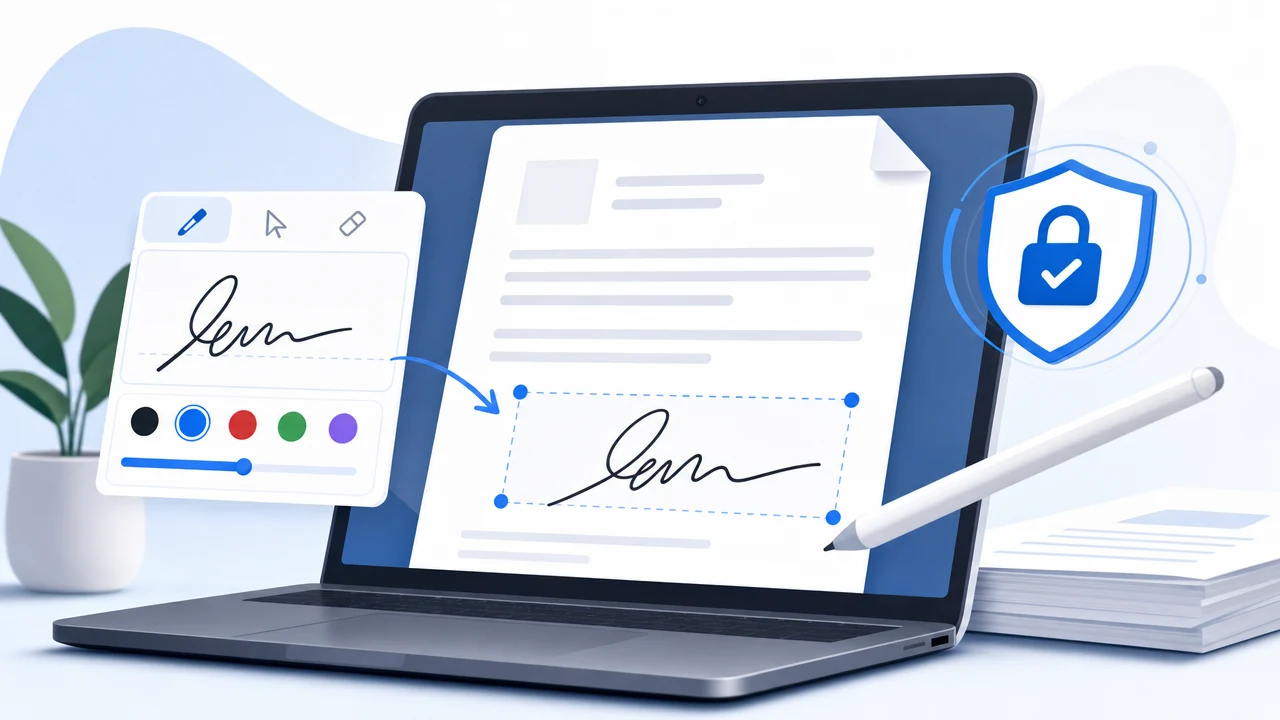
- Open the tool — Go to SodaTool PDF Signature in any browser. No account needed.
- Load your PDF — Select your file. It’s processed locally in your browser — never sent to a server.
- Draw or type your signature — Use your mouse, trackpad, or touchscreen to create a natural-looking signature. Dark ink (black or dark blue) works best.
- Drag your signature into position — Place it precisely where it needs to go on any page. Resize as needed.
- Repeat for additional pages — Add your signature or initials to each required page independently.
- Download your signed PDF — Save the completed document directly to your device. Done.
The entire process takes under two minutes.
Tips for a Professional-Looking PDF Signature
- Use dark colors — black or dark blue reproduces clearly in print and on screen
- Match the signature line — resize your signature to fit the designated space naturally
- Initial non-signature pages — for multi-page contracts, adding initials shows you’ve reviewed every page
- Keep the unsigned original — always save a copy of the document before signing, for your records
Why Local Processing Matters for Document Privacy
This is where most online PDF tools fall short — and where the choice of tool really matters.
The Problem With Cloud-Based PDF Signing
When you upload a document to a cloud-based signing tool, you’re trusting that service with your file. That raises real concerns:
- Data residency questions — where is your document stored, and under which country’s laws?
- Confidentiality obligations — contracts, financial documents, and HR files often carry legal confidentiality requirements
- Breach exposure — cloud outages or security incidents can expose document contents
- Account creation = data trails — most cloud tools require registration, linking your identity to your documents
For a routine permission slip, maybe that’s fine. For an NDA, a financial agreement, or a medical consent form? That’s a different conversation.
How Local Processing Protects Your Documents
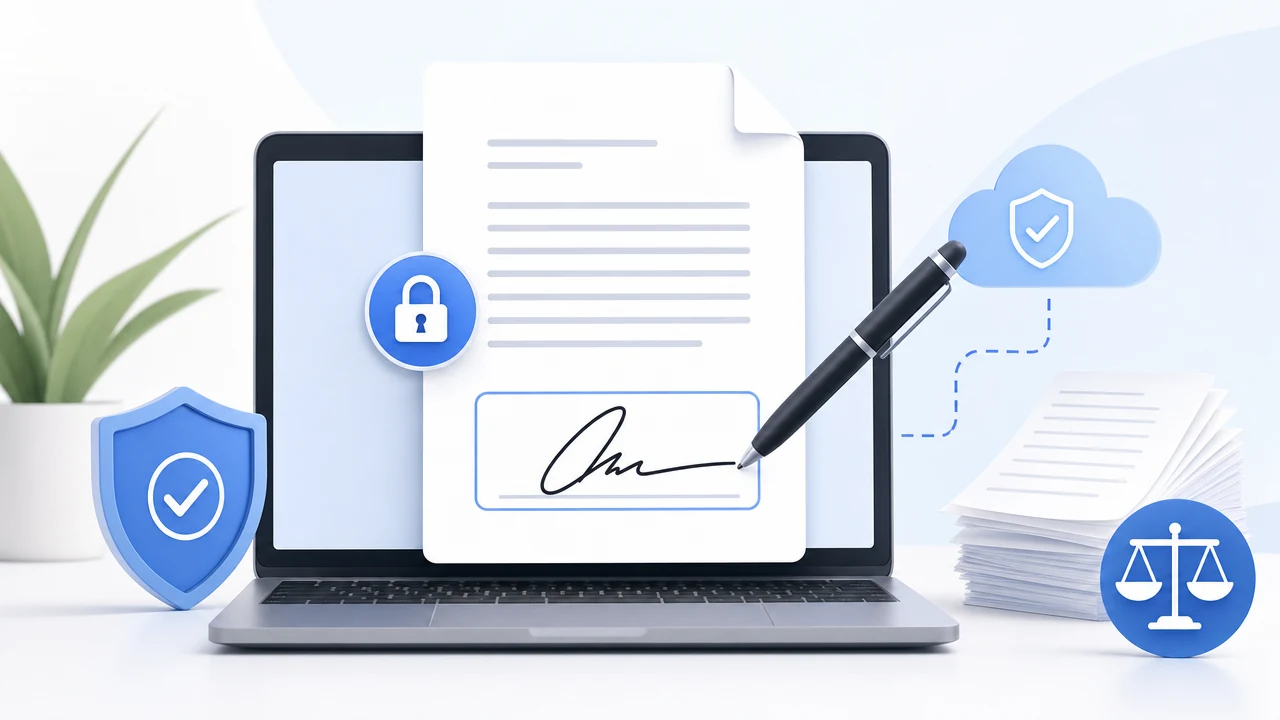
SodaTool takes a fundamentally different approach. Your PDF is processed entirely within your browser using client-side technology.
- Your file never leaves your device
- No account, no login, no stored document history
- No server-side processing — everything happens locally
- Aligned with data handling expectations under GDPR, CCPA, and similar privacy frameworks
Think of it like signing a paper document at your own desk versus mailing it to a stranger’s office and asking them to sign it for you. With local processing, the document never leaves your hands.
Electronic Signature Use Cases — Who Benefits Most
Freelancers and Independent Contractors
Client service agreements, project proposals, IP assignment clauses — freelancers sign these constantly. When a client sends a contract at 4 PM and needs it back by 5, there’s no time for a print-scan cycle.
Small Business Owners
Vendor contracts, supplier agreements, customer onboarding forms. Eliminating courier costs and overnight mail delays on routine paperwork adds up fast — especially at $6 and 1.5 hours saved per transaction.
Remote Workers and Distributed Teams
HR offer letters, remote work agreements, policy acknowledgments. When your team is spread across time zones and nobody has access to an office printer, a browser-based signing tool is the obvious solution.
Students and Individuals
Lease agreements, scholarship applications, consent forms. You might only need to sign one document this year. No-account, no-registration tools remove every barrier for one-time use.
Electronic Signature FAQ
Is a drawn signature on a PDF legally binding?
Yes. In most jurisdictions — including the US, UK, EU, Canada, and Australia — a drawn electronic signature on a PDF constitutes a valid electronic signature under applicable law, provided both parties intend to sign and the document supports electronic execution.
Do I need to create an account to sign a PDF online?
No. SodaTool PDF Signature requires no account, no registration, and no login. Open the tool, load your PDF, sign, and download — completely anonymously.
Is my document safe when I sign a PDF online?
With SodaTool, your document is processed locally in your browser and never uploaded to any server. Your file stays on your device throughout the entire process.
Can I sign a PDF on my phone or tablet?
Yes. SodaTool supports touch input, so you can draw your signature naturally on a smartphone or tablet touchscreen.
What’s the difference between an electronic signature and a digital signature?
An electronic signature is any electronic mark indicating agreement — a drawn name, a typed name, or even a click. A digital signature uses cryptographic certificates and PKI to mathematically bind a signatory’s identity to the document. For most everyday contracts, an electronic signature is sufficient and legally valid.
How many pages can I sign at once?
SodaTool lets you place your signature on any page of your PDF individually, with full drag-and-drop placement control on each page.
Start Signing PDFs Online — No Printer Required
Here’s the short version of everything above:
- ✅ Free — no hidden costs for basic signing
- ✅ No account needed — open the tool and start immediately
- ✅ Local processing — your document never leaves your device
- ✅ Legally valid — recognized under ESIGN, UETA, eIDAS, and equivalent laws worldwide
- ✅ Works on any device — desktop, tablet, or phone
Sign your PDF now with SodaTool — no account needed →
Your document never leaves your device. No storage. No tracking. Just a signed PDF, ready in under two minutes.