Why Is Sharing a File Still Such a Headache?
Sending a file should be as easy as handing someone a piece of paper. But in reality, you’ve probably spent more time figuring out how to send something than it took to create it in the first place.
The Hidden Limits of Email and Messaging Apps
You’ve been here before:
You’ve got a 200MB design file ready to go. Slack says it’s too large. Your email client caps attachments at 20–25MB — not even enough for a decent PowerPoint deck.
So you end up going through this whole ridiculous process:
- Compress the file
- Realize it’s still too big, so split it into multiple archives
- Send three separate parts
- Watch the recipient struggle to download each one, then figure out how to reassemble them
What should’ve been a two-second task turns into a tech support session.
The “Free” Cloud Storage Trap
“Just use Google Drive or Dropbox,” you think.
But here’s the thing — “free” cloud storage is really only free for the sender. Here’s what the person on the receiving end actually goes through:
- Click your link
- Get prompted to sign in or create an account
- Download the app or navigate the web interface
- Register, verify an email address
- Find their way back to your link
- Hit a download speed cap as a free-tier user
- Sit through pop-ups and upgrade prompts the entire time
The recipient has to jump through five to eight hoops just to get your file. You think you’ve sent it successfully — but there’s a good chance they gave up at step three.
What You Actually Need Is a No-Strings-Attached Transfer
Think about how package delivery works. You don’t need a membership. The recipient doesn’t either. The courier drops it at the door, they sign for it, done.
That’s exactly what temporary file transfer is built around:
- No accounts: neither side needs to register
- No installs: no app to download
- No friction: no speed limits, no ads
SodaTool was designed around this exact idea — making file sharing work the way it always should have: simply.
SodaTool Temporary File Transfer: A Full Walkthrough in Under 3 Minutes
Enough talk — here’s exactly what using it looks like, step by step.
Step 1 — Open and Go, Zero Setup Required
Pull up SodaTool in any browser. The page loads immediately.
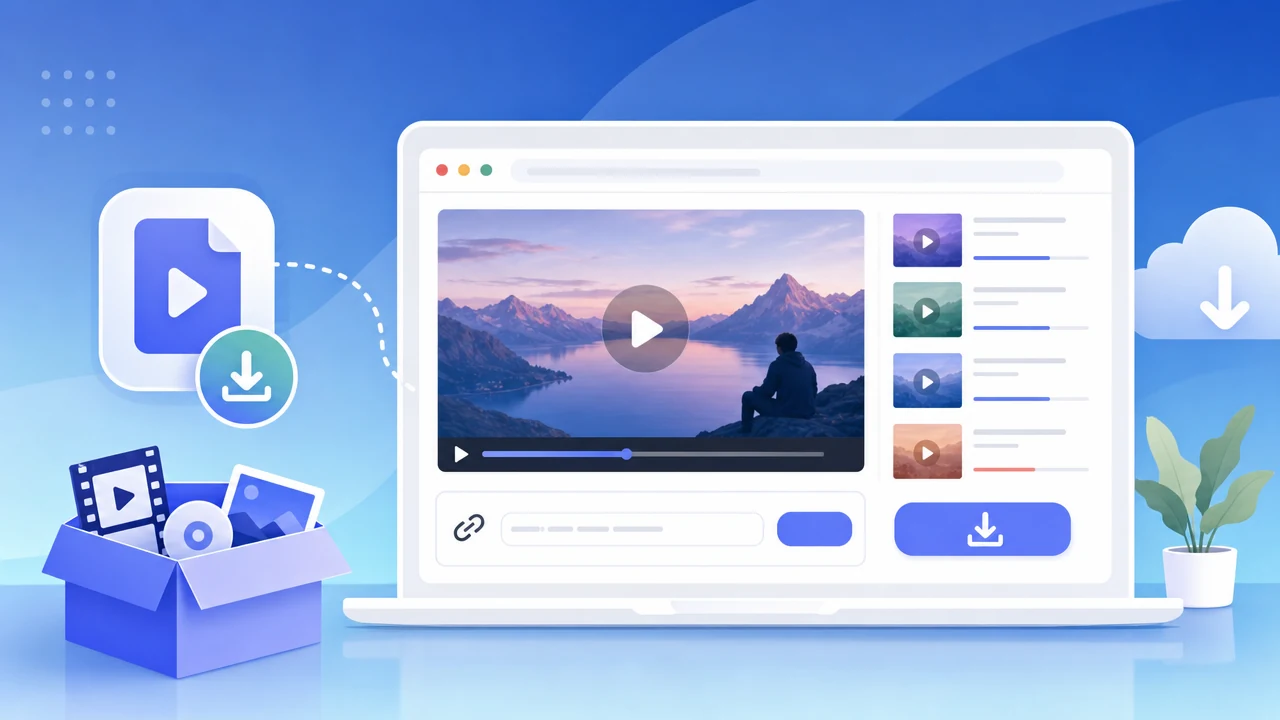
First impression: clean. No pop-ups, no “Sign Up Now” banners, no clutter — just a clear upload area front and center. It’s a pure browser-based tool, which means it works on iPhone, Android, or desktop without installing anything.
Step 2 — Drag, Drop, and Upload Files Up to 500MB
On desktop, drag your file straight into the upload zone. On mobile, tap to browse and select. We tested it with a ~280MB video file — the progress bar was clear throughout, and the upload went smoothly with no errors or unexpected pauses.
Is 500MB actually enough? Here’s a quick reality check:
- A contract PDF: typically < 10MB
- A full PSD design file: typically < 200MB
- A complete PowerPoint presentation: typically < 100MB
- A 3-minute smartphone video: roughly 300MB
500MB covers the overwhelming majority of real-world “just send me the file” situations. You don’t need to pay for a 5GB plan just to share something once.
Step 3 — Copy the Link, Share It Anywhere
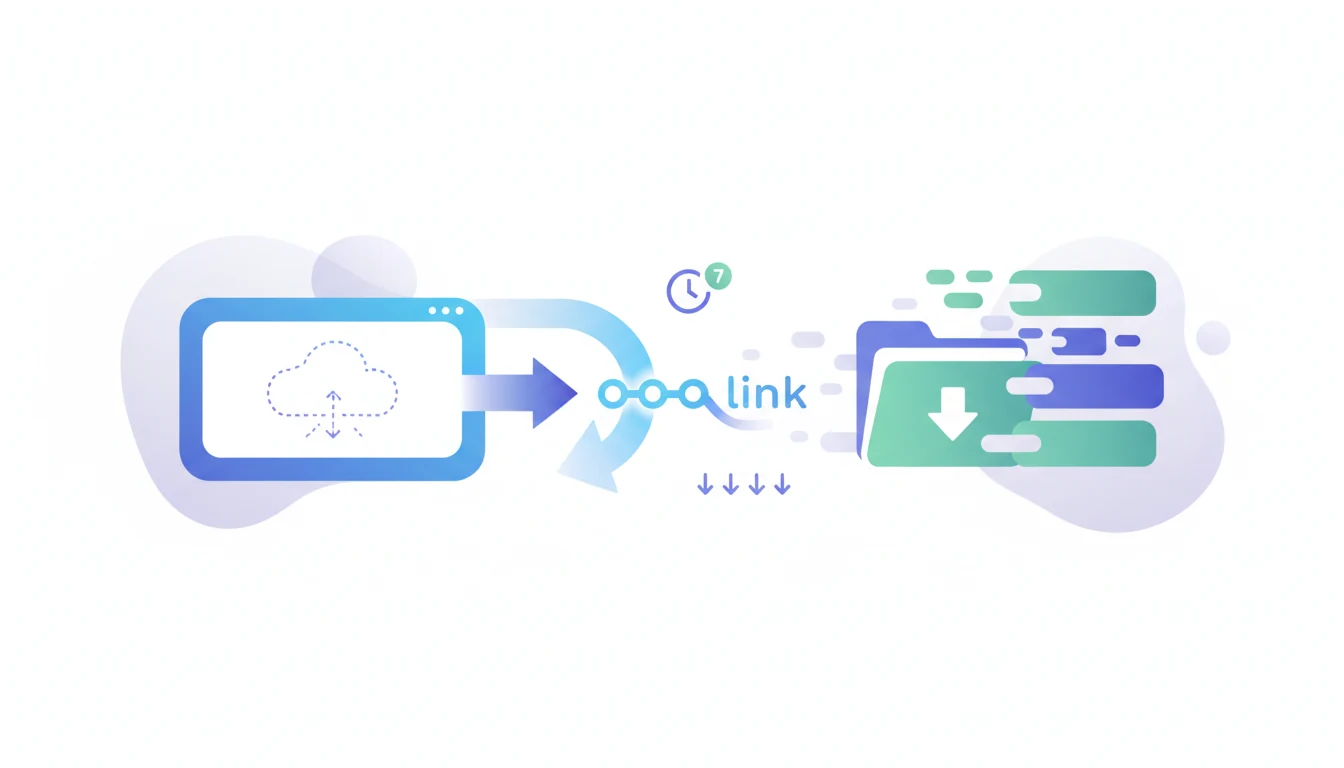
Once the upload finishes, a shareable link is generated instantly. Copy it and paste it into an email, a Slack message, a text — wherever you can type, you can share it.
The link is clean and readable — no garbled strings of random characters that look like something went wrong.
Step 4 — The Recipient’s Experience Is Where It Actually Matters
This is where SodaTool genuinely sets itself apart.
We sent the link to a test user and had them go through the full download flow from scratch:
- Click the link
- Page opens directly in the browser
- Click download
Three steps. Under 10 seconds. No login prompt, no app redirect, no ads.
Picture this: you need to send a contract to a client who isn’t particularly tech-savvy. You send them a link. They tap it. The file downloads. That’s it. That’s what “sent successfully” should actually mean.
The problem with most tools isn’t that you can’t send the file — it’s that the other person can’t receive it without a fight. The recipient’s experience is the real measure of any file-sharing tool.
5 Real Scenarios Where Temporary File Transfer Changes Everything
Scenario 1 — Working With External Clients: Sending Contracts or Design Files
The problem: You use one cloud platform, your client uses another — or none at all. Asking a client to create an account just to receive your file is friction you don’t need.
The SodaTool way: Upload → copy link → send → they click and download. No registration required, no interruption to the workflow.
Scenario 2 — Job Applications: Sending Your Portfolio to a Recruiter
The problem: A full portfolio is too large for email attachments. Sending a cloud storage link feels clunky, and recruiters shouldn’t have to log in to view your work.
The SodaTool way: Drop a clean link right in the body of your email. The recruiter clicks and downloads immediately. The 7-day expiry neatly covers the interview window — after that, the file disappears automatically, so your work isn’t floating around the internet indefinitely.
Scenario 3 — In-Person Meetings: Distributing Large Presentations or Videos
The problem: Conference Wi-Fi is unreliable, AirDrop only works between Apple devices, and Bluetooth transfers are painfully slow.
The SodaTool way: Upload your file beforehand, generate a link, and drop it in the group chat or display it as a QR code. Anyone in the room can scan and download — regardless of device or platform.
Scenario 4 — Moving Files Between Your Own Devices: Phone to Laptop
The problem: Your USB cable is never where you need it. Sending a video through iMessage or WhatsApp compresses the footage and kills the quality.
The SodaTool way: Upload the original video on your phone → open the link on your laptop → download. Full quality, no compression, no cable required.
Scenario 5 — Sensitive Files: When You Don’t Want Anything Stored Long-Term
The problem: Traditional cloud storage keeps your files indefinitely. You have no real visibility into who might access them or when.
The SodaTool way: Files auto-delete after 7 days and can only be downloaded up to 5 times. This isn’t a limitation — it’s a built-in self-destruct mechanism for your data.
SodaTool vs. the Alternatives: A Side-by-Side Breakdown
Feature Comparison
| Messaging Apps | Email Attachments | Cloud Storage | SodaTool | |
|---|---|---|---|---|
| Account required | Both sides | Both sides | Both sides | Neither side |
| App install required | Yes | No | Usually | No (browser-based) |
| Free file size limit | ~100MB | 20–25MB | Varies | 500MB |
| Recipient friction | Medium | Low | High | Minimal |
| Ads | Few | Few | Many | None |
| File retention | Limited | Indefinite | Indefinite | Auto-deleted in 7 days |
| Download limit | None | None | None | 5 downloads |
SodaTool’s Core Advantage — Zero Cost for the Recipient
Here’s something the entire industry tends to overlook: almost every file-sharing tool review focuses on the sender’s experience. But the recipient is the one who determines whether the transfer actually succeeds.
The logic is simple — you can spend ten minutes learning a new tool. But you can’t expect a client, a recruiter, or a colleague to download an app, create an account, and navigate an unfamiliar platform just to receive something from you.
SodaTool’s design philosophy: handle all the complexity on the backend, and give the recipient the simplest possible experience.
The Auto-Expiry Feature — Privacy Protection That Actually Works
A lot of people’s first reaction is: “7 days and it’s gone? Only 5 downloads? Isn’t that too restrictive?”
Flip it around: a permanent link means that if it ever gets forwarded to the wrong person, your file is exposed indefinitely.
SodaTool’s time-and-download limit is essentially passive privacy protection — you don’t have to remember to go back and delete anything. The system handles it automatically. In an era where data breaches are increasingly common, that’s not a compromise. It’s the smarter design choice.
Is Your File Actually Secure? Understanding Temporary Transfer Safety
How Cloud Storage Security Works
SodaTool stores files on cloud servers. Leading online transfer tools use AES-256 encryption to protect data in transit — the same encryption standard used by online banking.
The Double Safety Net: Time Limits + Download Caps
- 7-day expiry: Even if a link is accidentally shared with the wrong person, the exposure window is short
- 5-download cap: Prevents a link from being mass-forwarded and downloaded indefinitely
Together, these create a practical, no-maintenance security layer.
Best Practices for Sensitive Files
- For highly confidential content, compress the file and set a password before uploading
- Share links through direct, private channels rather than public group chats
- Once the recipient confirms they’ve downloaded it, you can relax — the system will handle the cleanup
Frequently Asked Questions
What’s the maximum file size SodaTool supports?
500MB — enough to cover contracts, design files, presentations, short videos, and the vast majority of everyday transfer needs.
How long are files stored?
Files are automatically deleted after 7 days, or after 5 total downloads — whichever comes first.
Does the recipient need to sign up or install anything?
Not at all. Recipients just open the link in any browser and download directly — no account, no app.
What file formats are supported?
All of them. PDF, PSD, ZIP, MP4, DOCX, you name it — there are no format restrictions.
How fast are uploads?
Upload speed depends on your local internet connection. Once the file is on the server, recipients get a stable, consistent download experience.
Can I upload multiple files at once?
Yes — you can drag and drop multiple files or select them through the file browser.
Does it work on mobile?
Absolutely. SodaTool is fully browser-based and works across all major mobile browsers — Safari, Chrome, and in-app browsers — with no app download required.
Three Rules for Choosing the Right File Transfer Tool
Rule 1 — Prioritize the Recipient’s Experience
You’re not picking a tool to impress yourself — you’re picking one so the other person can get the file quickly and without any hassle. Before you commit to any tool, ask yourself: “Could my least tech-savvy contact open this link and download the file in under 10 seconds?”
Rule 2 — “Good Enough” Beats “Feature-Packed”
500MB + 7-day expiry + 5 downloads covers 90%+ of real temporary transfer needs. Don’t put up with ads or pay for a subscription just to access storage capacity you’ll never use.
Rule 3 — Privacy Shouldn’t Be an Opt-In Feature
Auto-expiring files should be the default, not a premium toggle buried in settings. A tool that automatically forgets your files is, in many ways, the most trustworthy kind.
👉 Try SodaTool Temporary File Transfer now: https://www.sodatool.com/tool/file-transfer
Open the link, drop in your file, copy the share URL — three steps, and whoever receives it can download instantly. No account needed, on either end.